Sketch Driven Pattern is a modeling tool used to copy geometry in irregular layouts.
Unlike rectangular or circular patterns, this method does not rely on distances or angles. Instead, the position of each instance is controlled by points defined in a sketch.
In Autodesk Inventor, the command can duplicate:
The position and orientation of the copies are controlled by two main inputs:
Sketch center points (2D or 3D)
These define where each new instance will be placed.
Faces or surfaces
These can control the orientation of the duplicated geometry.
The geometry created by Sketch Driven Pattern can be used not only in part modeling, but also as reference geometry in assemblies to create associative component patterns, similar to rectangular or circular patterns.
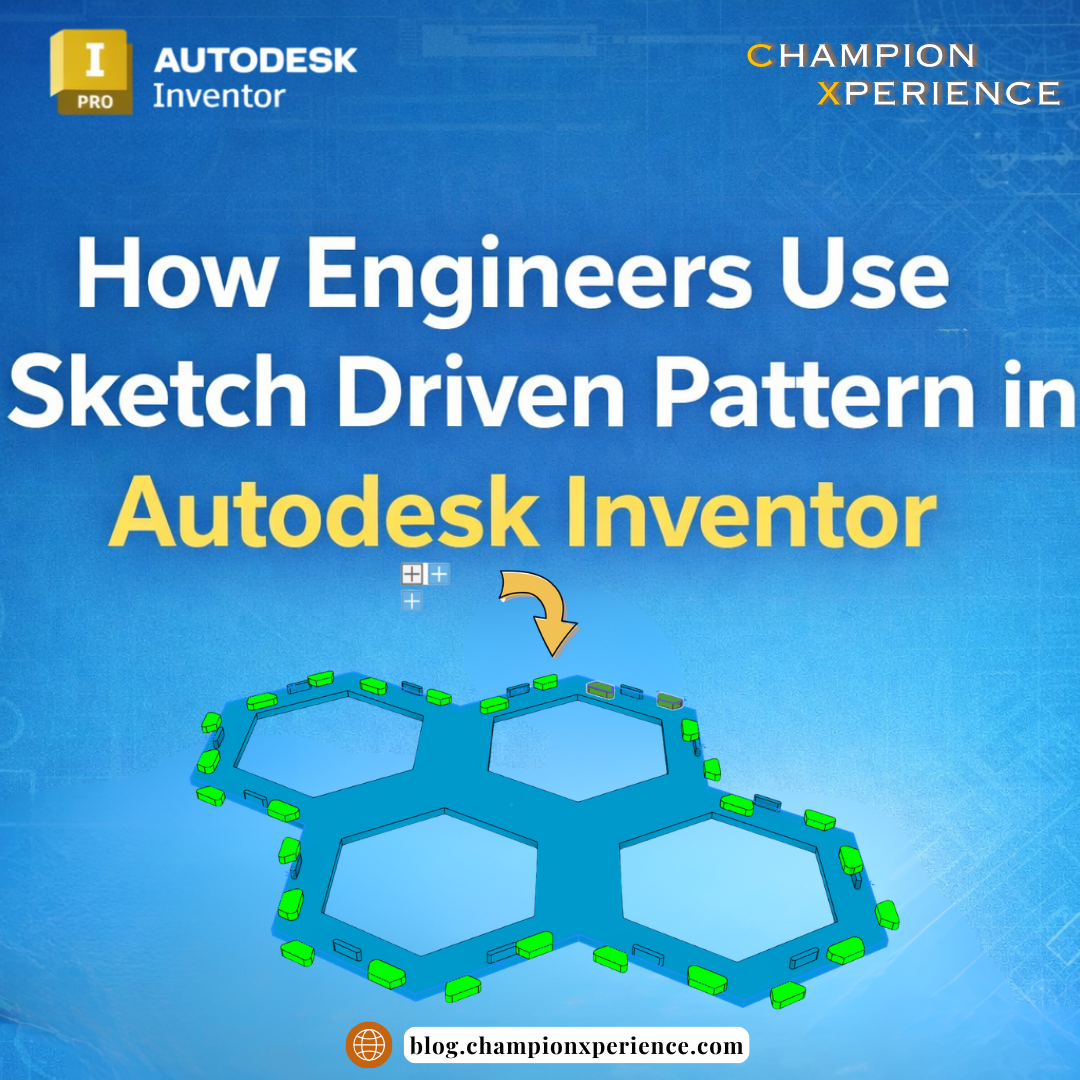
The workflow depends on whether you want to copy features or solid bodies.
Typical steps are:

The workflow is similar:

If a Sketch Center Point is located exactly at the position of the base geometry, Inventor may create a second instance in the same place.
This duplication may not be visible in the model, but it can cause problems later with:
To avoid this issue, convert the center point into a regular Sketch Point (dot).
Correct Positioning
Inventor automatically recognizes the reference of an object at its geometric center.
If a base point is not defined manually, instances may be placed incorrectly or the geometry may not appear as expected.
For reliable results, always define a clear base point.
By default, all instances keep the same orientation as the original geometry.
However, orientation can also be controlled using faces or surfaces.
Inventor compares:
Based on this comparison, Inventor calculates a transformation and rotates the instance relative to the original geometry.
This makes it possible to create patterns that follow curved or angled geometry.
When using this method, it is important to also define the base reference surface, so Inventor can correctly calculate the transformation.
The base point cannot be a Sketch Center Point.
Possible base point references include:
All instance positions are controlled by one sketch containing Sketch center points.
Two approaches are possible.
2D Sketch
Used when all instances are placed on a single plane.
3D Sketch
Used when instances must be located in different planes or in space.
A 3D sketch can be created in several ways:
Sketch Driven Pattern can also help automate assembly modeling.
Geometry created in a part file using this pattern can be used as reference geometry in an assembly to create associative component patterns.
Possible references include:
This method speeds up component insertion and ensures the assembly stays fully associative.
Associative assembly patterns can also be created using derived parts.
When a derived component is created from a multi-body part, Inventor can include:
This allows the Sketch Driven Pattern to be recreated in the derived part using the same driving sketches or reference points.
Any modification in the original multi-body part will automatically update the derived part and the assembly.
Another workflow is to create the Sketch Driven Pattern directly in the multi-body part, insert that part into the assembly, and set it as a reference component.
This approach keeps the geometry and relationships available for positioning while excluding the part from:
To avoid problems when using Sketch Driven Pattern:
Charles designs small steel structures. A client asked for a visualization of a fence before production. Because decorative elements required irregular spacing between posts, Sketch Driven Pattern helped quickly distribute the elements and prepare the design proposal.
Peter produces 3D printed board-game accessories. A particular game used modular board segments that connected like puzzle pieces. To stabilize the board, he designed connectors and locking features. Sketch Driven Pattern allowed him to duplicate these features at different positions and angles across the board.
Lucas designs industrial installations where many components—connectors, transitions, and handles—appear in multiple locations. Using Sketch Driven Pattern lets him automate placement while keeping the design fully parametric and easier to update.
Michael manufactures complex CNC parts. For a custom strainer design, he needed to distribute multiple holes across a curved surface. By using Sketch Driven Pattern, he could parameterize the design and simplify the creation of the machining program.
Sketch Driven Pattern is a powerful modeling tool in Autodesk Inventor for creating layouts that are difficult or impossible with standard pattern commands.
It allows engineers to control both:
The feature has been available since Inventor 2017, and improvements introduced in Inventor 2026 increased its reliability and geometric accuracy.
When used correctly, Sketch Driven Pattern can greatly speed up the modeling of complex parts and assemblies while keeping the design fully parametric.