Why Manufacturers Are Migrating from CATIA V5 to DELMIA Machining on 3DEXPERIENCE
Have you ever spent hours programming a complex multi-axis toolpath, only to receive an engineering change notice that forces you to start over from scratch? If you are a CNC programmer or manufacturing manager, you know this frustration all too well. Traditional file-based handoffs between design and manufacturing often feel like throwing data over a brick wall.
While CATIA V5 remains a legendary CAD powerhouse, its legacy CAM workflows are increasingly hitting a ceiling. Modern manufacturing demands faster programming cycles, tighter revision control, and seamless collaboration. That is why manufacturing teams are moving to DELMIA Machining on the 3DEXPERIENCE platform. This transition is not just about replacing one CAM tool with another; it is about building a unified digital thread that connects engineering directly to the shop floor.
CATIA V5 has served the industry incredibly well for decades. However, its desktop-bound, file-based nature introduces friction when engineering changes occur. When a designer modifies a 3D model, the NC programmer must manually identify the changes, import the new file, and rebuild the toolpaths. This disconnected process leads to several critical issues:
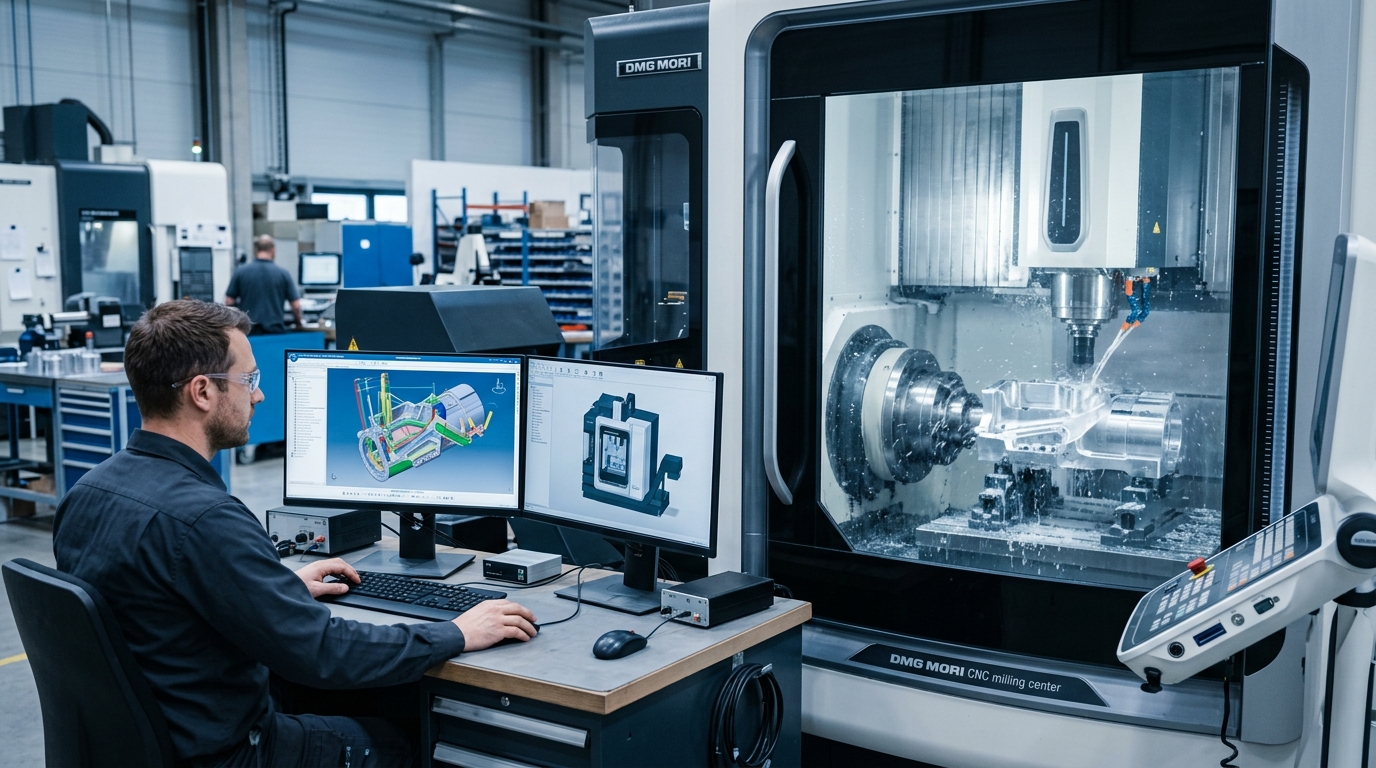
To eliminate these bottlenecks, manufacturers are shifting to a platform-based model where CAD, CAM, simulation, and data management coexist in a single, secure cloud environment.
To understand why this migration is gaining rapid traction, let us look at how these two environments compare across key manufacturing metrics:
| Feature / Capability | CATIA V5 Machining | DELMIA Machining on 3DEXPERIENCE |
| Architecture | Desktop-based, file-heavy | Cloud-enabled, single platform database |
| Data Continuity | Disconnected file handoffs | Unified digital thread (CAD and CAM linked) |
| Design Change Impact | Manual updates and toolpath rebuilding | Automatic geometry modification detection |
| Knowledge Reuse | User-dependent templates and files | Centralized machining cell templates and feature-based reuse |
| Simulation & Validation | Basic toolpath verification | Full machine-tending, robotic, and G-code virtual twins |
Making the business case for a CAM migration requires clear, quantifiable results. According to data highlighted by the DELMIA Blog, companies transitioning to the platform model experience massive efficiency gains. The numbers speak for themselves:
These metrics show that digital continuity is a powerful competitive advantage. High-precision manufacturers like CARBOMILL and advanced vehicle developers like Xos have adopted this integrated platform model to scale their engineering expertise and keep their shop floors running at peak capacity.
For the NC programmer on the shop floor, the day-to-day experience in DELMIA Machining is a major step up. The software is packed with smart automation tools designed to eliminate repetitive tasks.
Instead of manually selecting faces and pockets for every new part, you can leverage the Generate Machining Cell Template command. This tool captures the tools, fixtures, and operations of a proven setup and saves them as a standardized template. When a similar part arrives, you can use Reuse Programming with Feature Recognition to automatically apply those exact strategies to the new geometry.
DELMIA Machining is built for the most demanding manufacturing environments. It provides native support for complex multi-axis operations, including:
By simulating the entire machine environment—including the CNC machine, fixtures, and cutting tools—programmers can confidently run lights-out operations without worrying about costly crashes.
If you are worried about losing years of legacy CATIA V5 data, you can breathe a sigh of relief. Dassault Systèmes provides dedicated migration paths to transition your existing work. The process involves migrating your Product, Process, Resource (PPR) structures directly into the 3DEXPERIENCE database.
During the migration, your V5 data is mapped into a unified PPRContext. This preserves your tool definitions, holders, and machining operations. Structured learning paths, such as those offered by Dassault Systèmes Edu SPACE, guide teams through the exact steps of migrating legacy files, ensuring your transition is smooth and risk-free.
Are you ready to stop fighting file versions and start machining with complete digital continuity? Let us know in the comments how your shop currently handles engineering design changes, or reach out to learn how we can help you take the next step on your 3DEXPERIENCE journey!
This guide is based on insights from the official DS Blog