Autodesk Fusion CAE Simulation: Empowering Small Machine Shops
Have you ever spent hours machining a complex custom fixture, only to watch it warp or fail under the very first load cycle? For small manufacturing shops, that moment is a costly nightmare. It means wasted material, lost machine time, and a delayed delivery schedule. Historically, avoiding these failures meant relying on over-engineering—making parts heavier and thicker than necessary—or investing in complex, high-end Computer-Aided Engineering (CAE) software that required a dedicated PhD specialist to run.
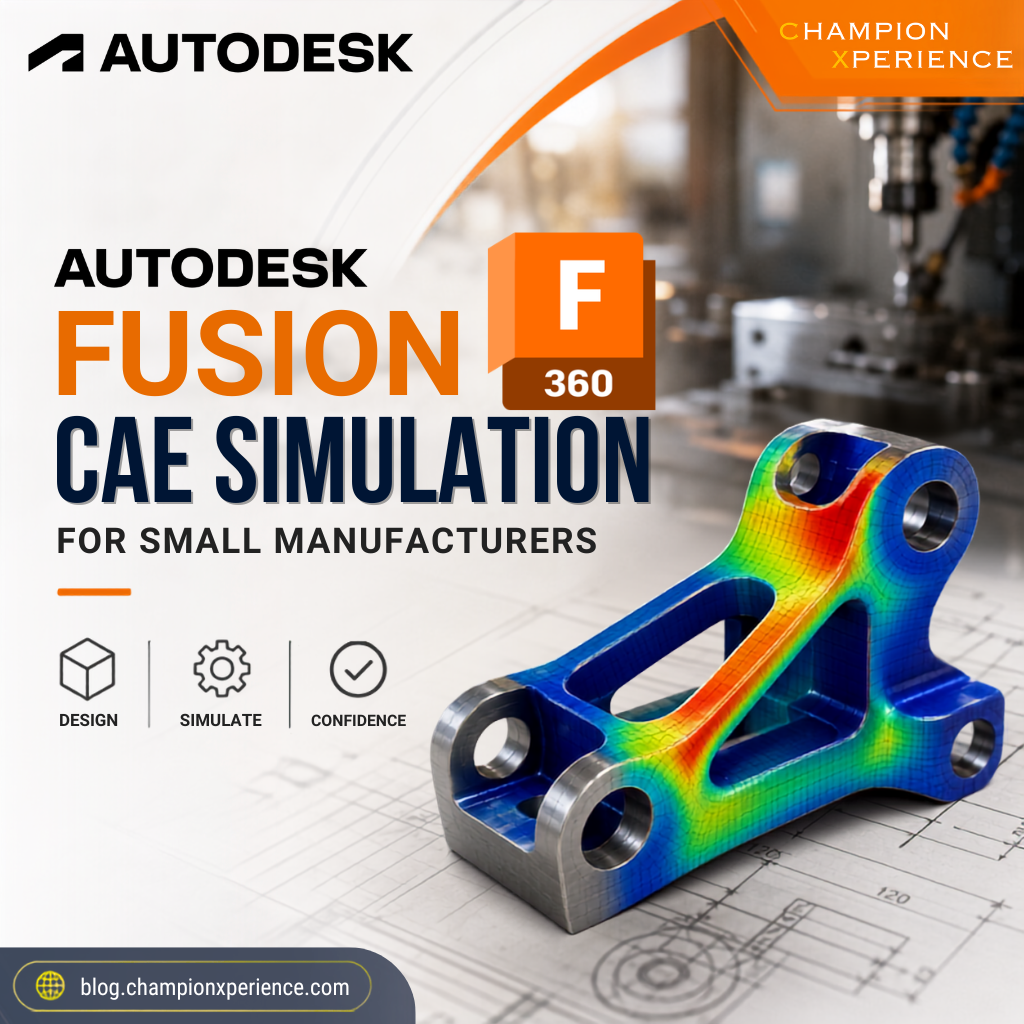
But the manufacturing landscape has shifted. Small shops no longer have to choose between blind guesswork and astronomical software budgets. Integrated, cloud-native platforms are bringing advanced validation tools directly to the designer’s desktop. If you want to stop wasting metal and start validating your designs early, it is time to look at how Autodesk Fusion is democratizing CAE simulation for teams of all sizes.
For decades, simulation was treated as an elite engineering discipline. Traditional CAE tools operated in their own isolated silos, completely separate from CAD and CAM packages. To test a part, a design engineer had to export a STEP or IGES file, import it into a specialized simulation environment, and clean up the geometry. If the analysis revealed a stress concentration, the engineer had to go back to the CAD software, modify the model, export it again, and rebuild the simulation from scratch.
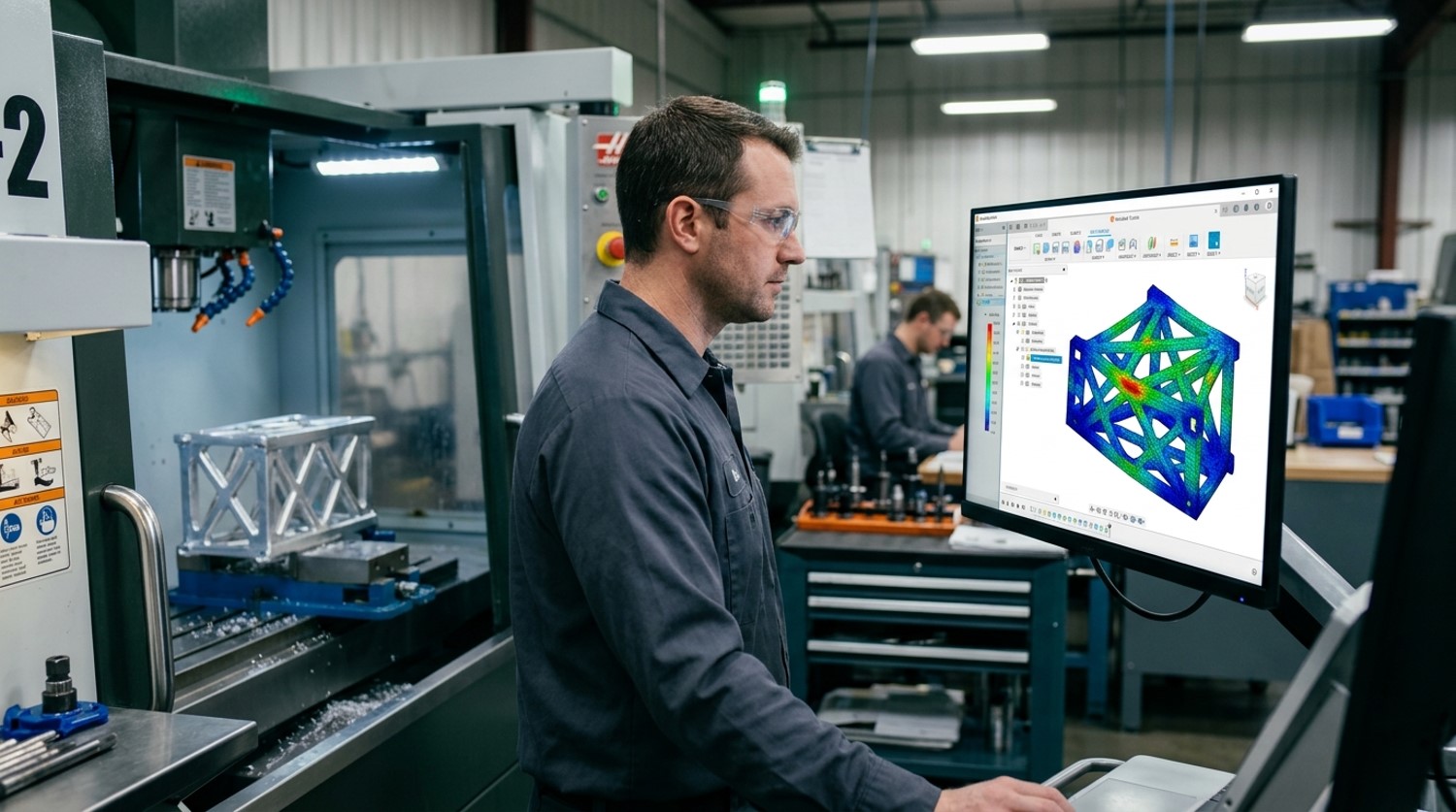
This disconnected loop created several major barriers for smaller businesses:
Because of these challenges, many small manufacturers skipped simulation entirely, relying instead on physical prototyping or excessive safety factors that drove up material costs and machining cycle times.
The game changed when Autodesk integrated CAD, CAM, and CAE into a single, unified data model. Instead of exporting and importing files across different applications, you can jump from design to validation to toolpath generation within the exact same user interface. This tight integration is the core philosophy behind the Autodesk Fusion approach to democratizing CAE.
When you modify a feature in your design, your simulation setup updates automatically. There is no broken data, no lost metadata, and no tedious file conversion. Recent updates to the platform have made this process even more seamless. For instance, the introduction of modernized simulation results and enhanced assembly context tools allows designers to visualize physical behavior with unprecedented clarity. By utilizing cloud-based solvers, you can offload heavy computational tasks to the cloud, keeping your local workstation free to continue designing or programming toolpaths.
You do not need to simulate every single nut and bolt to get massive value out of CAE. For a small shop, focusing on a few high-impact areas can yield immediate returns on investment.
Whether you are designing custom weldments, machine frames, or mounting brackets, you need to know if your components can withstand operational loads. Structural analysis helps you pinpoint areas of high stress concentration and excessive deflection before you ever cut a chip of metal. If a bracket is going to bend under a 500-pound load, you want to see that virtually on your screen, not on your customer’s assembly floor.
Raw material prices and machining times directly dictate your profit margins. Simulation allows you to run “what-if” scenarios to optimize your designs. Can you reduce the wall thickness of an enclosure without sacrificing structural integrity? Can you pocket out a heavy steel fixture to save weight and reduce cycle times on your 3-axis mill? Integrated simulation gives you the data-driven confidence to strip away unnecessary material safely.
Custom workholding is a staple of high-precision machining. However, if your fixture deflects under the clamping force of your pneumatic cylinders, your parts will be out of tolerance. Running a quick static stress analysis on your workholding setups ensures that your fixtures remain rigid throughout the entire machining cycle.
Getting started with simulation in Autodesk Fusion is designed to be highly intuitive, even if you do not have a background in advanced physics. Here is a typical workflow you can implement today:
To see how integrated tools change the daily grind for design and manufacturing engineers, let’s compare the traditional approach with the modern integrated workflow:
| Feature / Step | Traditional CAE Workflow | Autodesk Fusion Integrated Workflow |
| Data Transfer | Manual export/import (STEP, IGES, Parasolid). High risk of translation errors. | Seamless. Design, simulation, and CAM share the exact same database. |
| Design Iterations | Slow. Requires rebuilding the simulation setup from scratch for every CAD change. | Instant. Modifying geometry automatically flags the simulation for a quick update. |
| Hardware Requirements | Expensive, high-end local workstations dedicated to running heavy solvers. | Flexible. Heavy computations can be offloaded entirely to cloud-based solvers. |
| Learning Curve | Steep. Requires specialized training in mesh generation and boundary physics. | Accessible. Guided setup wizards and intuitive interfaces designed for product designers. |
It is crucial to clarify one common misconception: virtual simulation does not completely replace physical testing. Instead, it optimizes the entire prototyping cycle. Rather than building five physical prototypes to find a design that works, simulation allows you to iterate virtually so that your very first physical prototype is already 95% optimized.
By catching structural weaknesses, excessive deflection, and optimization opportunities early in the digital phase, you save thousands of dollars in material waste, tooling wear, and engineering hours. For small manufacturers looking to scale their capabilities and compete with larger enterprises, integrated CAE is no longer a luxury—it is a vital competitive advantage.
Are you still relying on physical trial-and-error to validate your shop’s custom designs, or are you ready to let cloud-powered simulation do the heavy lifting?
This guide is based on insights from the official Autodesk Blog .