AI is becoming a bigger part of engineering software, but there is an important difference between an AI assistant that explains how to do something and an AI agent that can actually perform the task inside engineering software.
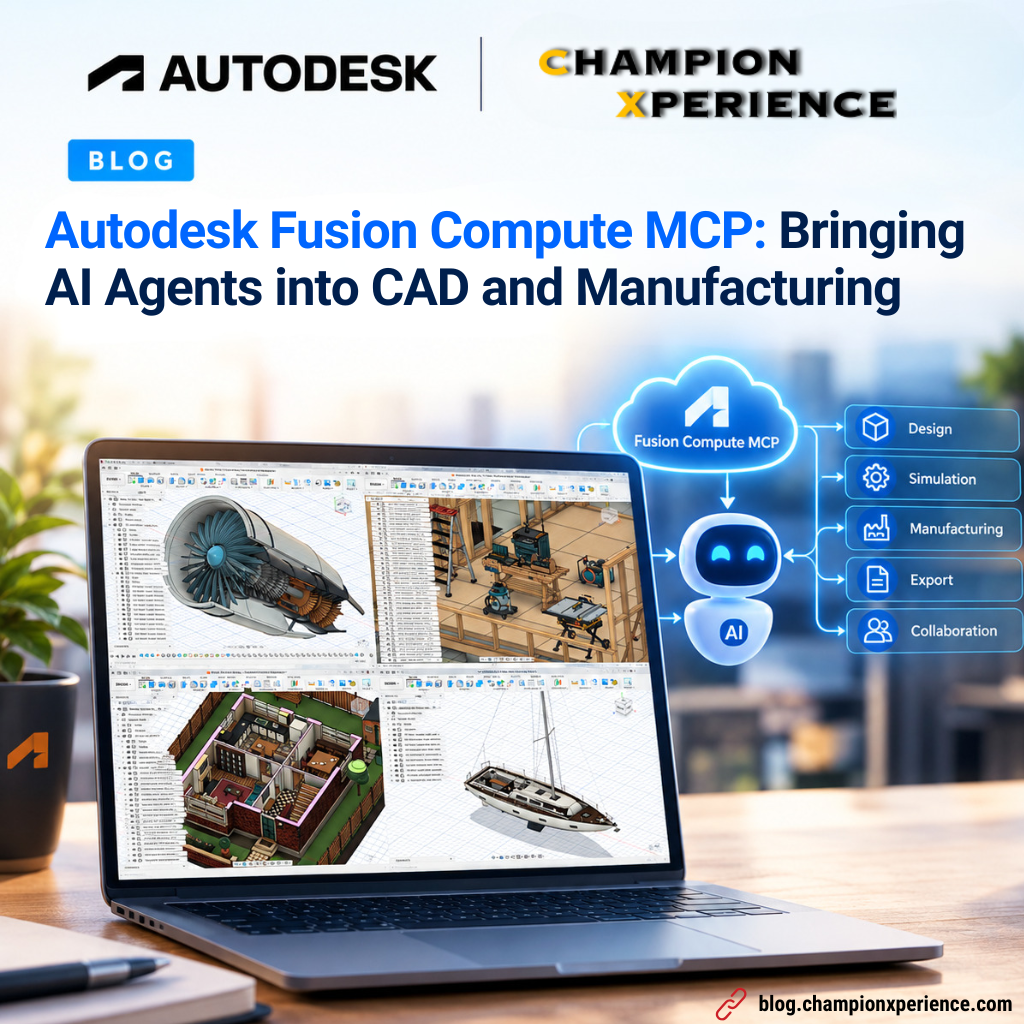
Autodesk is taking this approach with Fusion Compute MCP, which is now available in public beta. With Fusion Compute MCP, AI agents can interact with Autodesk Fusion through the cloud and perform tasks such as creating parametric models, working with assemblies, preparing manufacturing operations, exporting files, and working with Fusion Team data.
What caught my attention is that this is not simply about asking AI to generate a CAD image or describe a modeling workflow. The agent can actually work with Fusion and create editable design data.
So, let’s take a closer look at how it works and what it can do.
Before looking at Fusion Compute MCP itself, it is useful to understand MCP, or Model Context Protocol.
MCP is an open standard that allows AI applications to connect to external tools and data. Instead of an AI model only generating text, an agent can discover what tools are available and use them to perform actions. In the case of Fusion Compute MCP, Autodesk provides a cloud-based environment where an AI agent can interact with Fusion. According to Autodesk, the service exposes more than 7,000 endpoints through Fusion’s TypeScript API.
This means the agent can work with many of the operations that would normally be performed manually inside Fusion.
For example, an agent can:
This makes the workflow very different from simply using AI as a chatbot.
One of the demonstrations from Autodesk shows an interesting example.
The agent is given a prompt to create a configurable, parametric wooden cabinet based on a reference image. Instead of producing only a visual representation, the agent creates the actual Fusion model. It creates the cabinet structure, shelves, doors, and drawers. The design can then be modified, such as replacing solid doors with glass panels and applying different appearances. The important part for me is that the result is not just a mesh or a rendered image. It is a native Fusion design with feature history and adjustable parameters.
That means the model can continue to be edited and configured after the AI has finished creating it. This is where AI-assisted CAD becomes more interesting for engineering workflows.
Another Autodesk demonstration takes the workflow a step further.
The AI agent is asked to design a two-part injection-molded enclosure for a single-board computer.
The agent works through several design steps, including creating:
After creating the enclosure, the workflow continues into mold design. The agent creates a core and cavity, and then moves into CAM programming.
It creates operations such as:
According to Autodesk, the toolpaths in this demonstration were generated in approximately 6.5 seconds. What I find interesting here is not simply the speed.
The important part is that the workflow connects design and manufacturing.
Instead of stopping after creating the CAD model, the agent can continue working toward manufacturing preparation.
Fusion Compute MCP can also be used with multiple AI agents.
Autodesk demonstrates this using an autonomous robotic lawnmower containing approximately 1,100 colored parts. The task is to create five different color-layout options. Instead of creating each version sequentially, the workflow distributes the work across multiple agents. Four sub-agents each receive their own Fusion cloud instance and work on different versions of the design, while another version is handled by the main agent.
The resulting options can then be compiled into a comparison report. This approach introduces another interesting idea for engineering workflows:
AI agents don’t necessarily have to work one after another.
Different agents could potentially work on different design alternatives, configurations, or manufacturing tasks at the same time.
Fusion now has three MCP-related services, and each one has a different purpose.
The Fusion MCP works with the Fusion desktop application running locally on the user’s computer. It is focused on interacting with the local Fusion environment and performing design and make operations.
The Fusion Data MCP focuses on the data surrounding the designs.
This includes areas such as:
The new Fusion Compute MCP works differently. Instead of using the Fusion application running on the user’s computer, it runs Fusion sessions in the cloud. This means an AI agent can have its own Fusion environment to perform work without taking over the user’s desktop session.
For example, I could continue working on my computer while an AI agent works on another design task in its cloud Fusion environment.
I could then review the resulting model afterward.
There are several areas where Fusion Compute MCP can interact with Fusion.
The agent can create, read, update, and delete sketches and features.
This includes common operations such as:
This is important because the agent is not limited to generating geometry once.
It can work with the parametric structure of the model.
Fusion Compute MCP can also work with assemblies.
Agents can create and manage components, occurrences, transformations, and joints.
This means AI interaction can extend beyond individual parts and into larger mechanical designs.
The manufacturing side is another important part of the workflow.
Agents can work with:
This creates a connection between CAD design and manufacturing preparation.
The agent can also work with Fusion documents and Fusion Team projects. It can open and save documents, browse hubs and projects, and export files such as STL and STEP.
This makes the workflow more practical because the resulting engineering data can be stored and shared rather than remaining only inside the AI conversation.
There is one important point to understand.
Fusion Compute MCP is the connection between the AI agent and Fusion. It is not the AI model itself.
The actual result depends on the AI model controlling the agent.
For example, the MCP can provide an agent with access to CAD and CAM operations, but the agent still needs to understand the design task, plan the workflow, select the correct operations, and interpret the results.
As AI models improve, the same Fusion Compute MCP environment may therefore become capable of handling more complex engineering tasks. This also means that AI-generated CAD should still be reviewed by an engineer.
A model can be created successfully from a prompt while still requiring changes to dimensions, design intent, manufacturability, tolerances, or other engineering requirements.
Fusion Compute MCP is currently available as a public beta, so there are some limitations.
At the moment, Autodesk provides:
The sessions are also temporary.
If you create something that you want to keep, you need to save it to Fusion Team or export it before the session ends.
These limits are expected to change as Autodesk continues developing and scaling the service.
To try Fusion Compute MCP, Autodesk says you need:
You then connect your MCP client to the Fusion Compute MCP service and ask the AI agent to start working with Fusion. The interesting part is that you don’t necessarily need to sit in front of Fusion and perform every operation manually.
The agent can work in its cloud Fusion environment while you review the results afterward.
For me, the most interesting part of Fusion Compute MCP is the connection between AI and actual engineering operations. We have already seen AI become useful for generating ideas, explaining commands, writing code, and helping engineers find information.
Now the workflow is moving toward something different:
Ask → Design → Modify → Manufacture → Export
The AI agent can potentially move through multiple stages of the engineering process rather than stopping after generating a suggestion. Of course, this does not mean that engineers can simply give an AI a prompt and accept everything it produces.
The resulting geometry still needs to be checked. Dimensions, interfaces, design intent, manufacturability, tolerances, toolpaths, and final manufacturing requirements all still require engineering review. But the role of the engineer could change.
Instead of spending time performing every repetitive CAD operation manually, an engineer could increasingly focus on defining the design requirements, reviewing the results, and making engineering decisions.
Fusion Compute MCP gives us an early look at how AI agents could interact directly with CAD and manufacturing software.
Instead of AI simply telling us how to create a model, the agent can actually work inside Fusion, create parametric geometry, modify designs, build assemblies, prepare CAM operations, and export engineering data. The public beta is still limited, and the capabilities of the AI model driving the workflow remain an important factor. But the direction is clear: AI is moving from assisting engineers with information toward interacting directly with the tools engineers use to design and manufacture products.
It will be interesting to see how these workflows evolve as Autodesk continues developing Fusion Compute MCP and AI models become more capable.