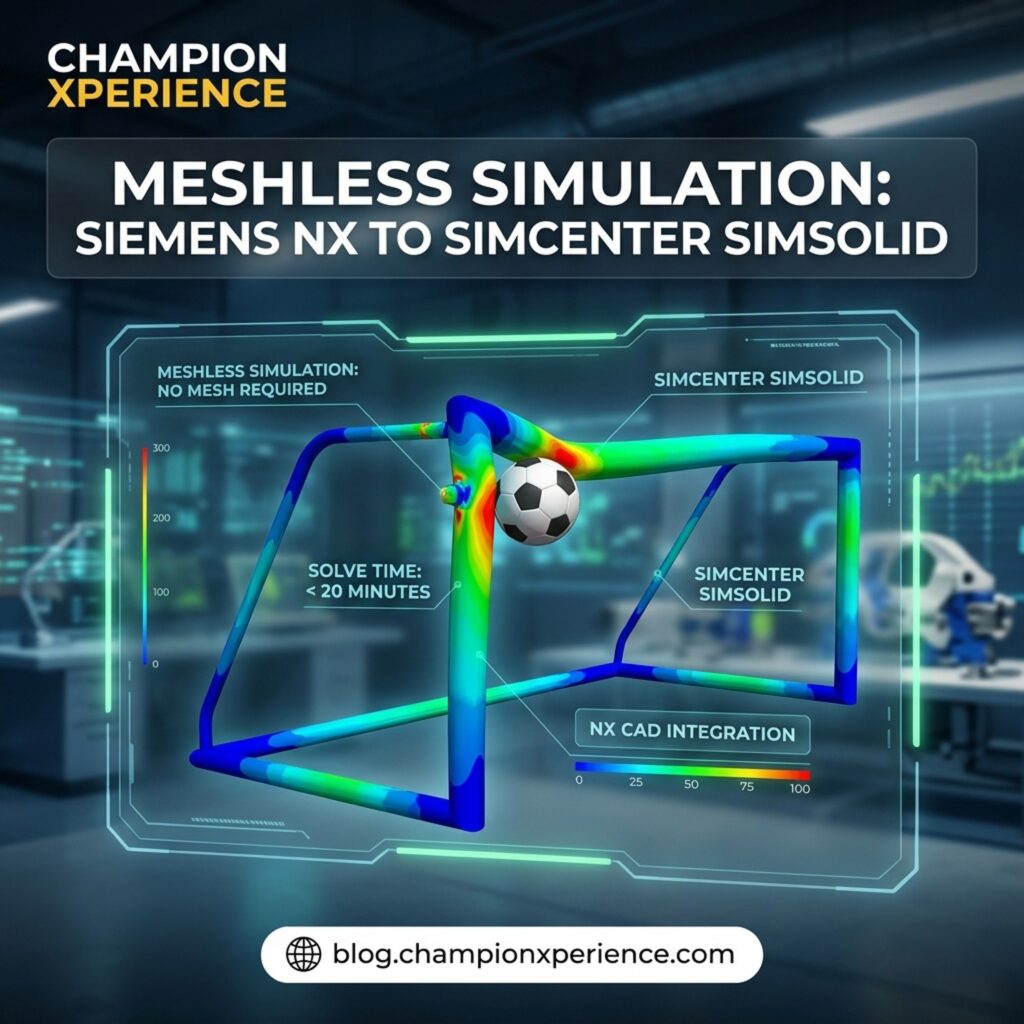
With the FIFA World Cup 2026 currently captivating millions of fans around the globe, it is the perfect time to look at the engineering that quietly makes the beautiful game possible. Have you ever wondered how much force a regulation goalpost can take when a high-velocity shot ricochets off the crossbar? Traditionally, finding the answer to that question would require a simulation specialist to spend hours—if not an entire day—cleaning up geometry, creating a mesh, and waiting for a solver to run.
Today, that entire workflow can be collapsed into less than 20 minutes. By pairing Siemens Designcenter NX for design with Simcenter Simsolid for analysis, engineers and designers can go from a blank sketch to fully validated stress results in record time. Let’s dive into how this rapid, CAD-agnostic workflow eliminates the most frustrating bottlenecks in structural analysis.
If you have ever run a conventional finite element analysis (FEA), you know where the real work happens. It is not in interpreting the results; it is in the tedious, error-prone preparation phase. Traditional FEA solvers require you to discretize a 3D CAD model into a network of tiny elements—a process known as meshing.
Before you can even attempt to generate a mesh, you usually have to perform defeaturing. This means manually stripping away small fillets, holes, logos, and laser engravings that might cause the meshing tool to fail or produce distorted, high-aspect-ratio elements. For complex assemblies, this preparation phase can easily consume up to 80% of the total engineering time. If the design changes, you often have to start this entire process over from scratch.
Originally developed by Altair Engineering and now a key part of the Siemens Simcenter portfolio, Simcenter Simsolid takes a completely different approach. It is a 100% meshless solver. Instead of breaking the model down into a traditional finite element grid, it uses advanced mathematics to approximate stress and displacement directly on the native CAD surfaces.
Because it works directly on fully featured CAD geometry, you never have to simplify your model. You can leave the fillets, bolts, and logos exactly where they are. This eliminates the two most time-consuming steps of the simulation workflow, allowing you to run structural analyses in seconds or minutes on a standard desktop PC.

When engineers hear the term “meshless simulation,” they are often skeptical. How can a solver be that fast without cutting corners on accuracy? Fortunately, this methodology is not just a marketing claim. The accuracy of the mathematical algorithms behind Simcenter Simsolid has been independently verified by NAFEMS, the international authority for engineering modeling, analysis, and simulation quality.
In independent benchmark tests, such as those conducted by NAFEMS technical experts, the software’s convergence results proved to be incredibly reliable, often matching traditional, highly refined FEA results within a tiny fraction of a percent. You get the speed of a rapid design-phase tool with the credibility of a validated solver.
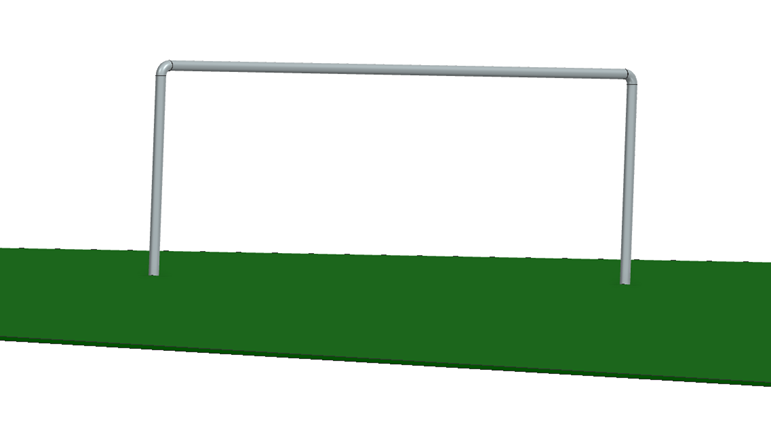
To demonstrate the power of this workflow, we can look at a regulation FIFA World Cup goalpost. According to the International Football Association Board (IFAB), a standard goal must measure exactly 8 feet high by 24 feet wide, constructed of reinforced aluminum, with a frame profile no wider than 5 inches.
In Designcenter NX, building this geometry is incredibly straightforward:
Because Simcenter Simsolid is completely CAD-agnostic, you do not need to export this file into a neutral format like STEP or IGES. You simply save the native NX part file and import it directly.
Once you import the native CAD file, the software automatically recognizes the assembly connections and contact conditions. From here, setting up the physics takes only a few clicks:
Once the solver finishes, you can instantly toggle between displacement, stress, strain, and safety factor plots. Using the Pick Info tool, you can click on any specific region of the crossbar to read the exact stress values, confirming whether the reinforced aluminum structure remains safely within its yield strength limits.
To put this workflow into perspective, let’s look at how the traditional finite element workflow compares to the meshless approach:
| Workflow Step | Traditional FEA Workflow | Simcenter Simsolid Workflow |
| Geometry Preparation | Requires manual defeaturing (removing fillets, small holes, logos) | None. Works directly on native, fully featured CAD |
| Meshing | Can take hours; prone to meshing failures on complex parts | Completely eliminated |
| Solve Time | Minutes to hours depending on mesh density and node count | Seconds to minutes on a standard PC |
| Design Iterations | Slow. Any CAD change requires remeshing and rebuilding constraints | Near-instant. Swap the CAD file and re-run the study |
By removing the friction of meshing and geometry cleanup, engineering teams can make critical structural decisions early in the design phase when changes are still easy and inexpensive to implement. This workflow is not just for goalposts; it applies to any complex assembly where you need fast, reliable, and validated structural feedback.
To learn more about how these tools can accelerate your engineering pipeline, check out the original walkthrough on the Siemens Simcenter Blog.
How would eliminating the meshing phase change your design cycle? Let us know in the comments below, or subscribe to our newsletter for more CAD/CAM tutorials!