Have you ever spent your morning hunting for a CAD file, only to realize a colleague saved it locally on their desktop? Or worse, have you ever sent a design to production, only to find out manufacturing built it using an outdated drawing revision? If you are nodding your head, you are not alone. These everyday frustrations are the direct result of disconnected engineering data, and they are costing your team more than you think.
In many manufacturing organizations, workflows look fine on the surface. Projects move forward, and products eventually ship. However, beneath that functional exterior lies a web of shared drives, scattered spreadsheets, and endless email threads. This friction quietly drains your engineering team’s productivity and leads to expensive downstream errors. It is time to establish a single source of truth.
Let’s look at how the latest release of Autodesk Vault 2026 tackles these challenges head-on to streamline your design workflows and bridge the gap between engineering and manufacturing.
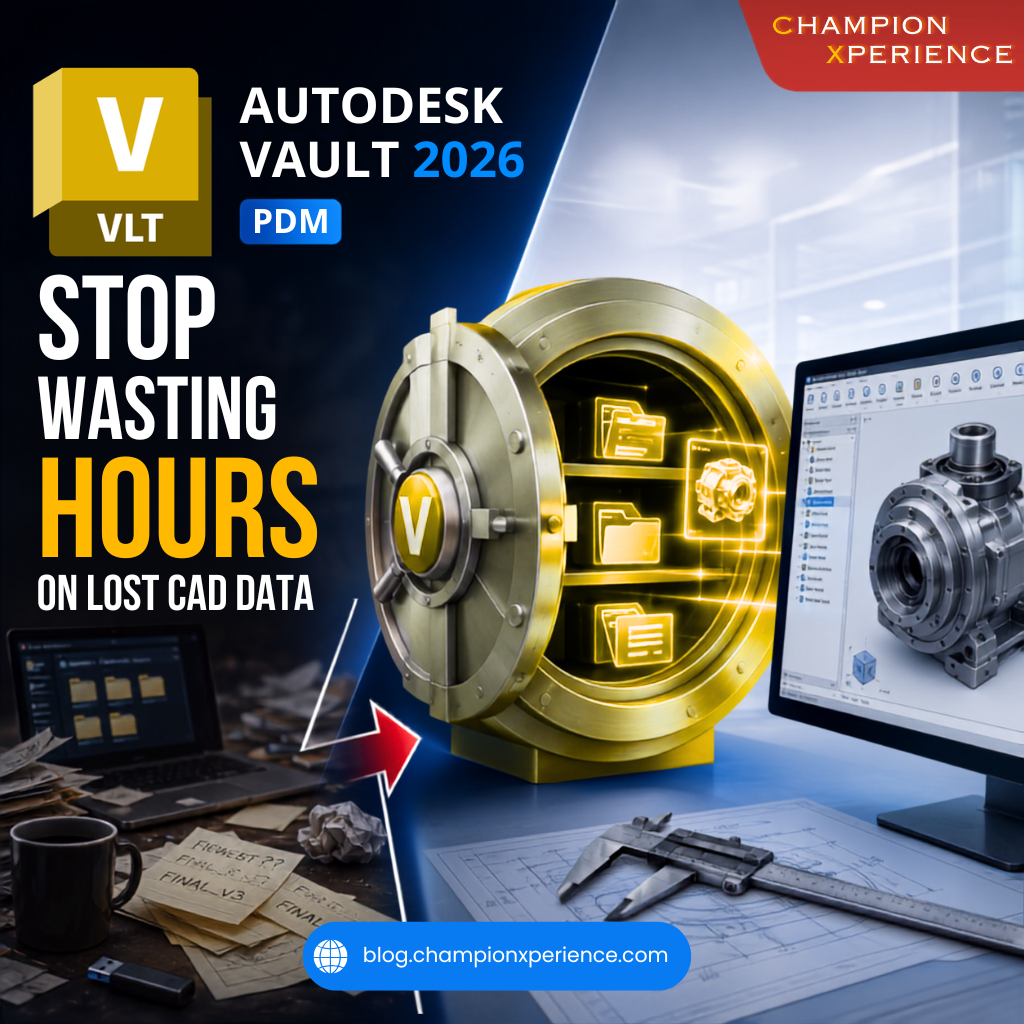
Disconnected data is a silent productivity killer. When your design files, Bill of Materials (BOM), and change records live in separate silos, your engineering team spends valuable time acting as data administrators rather than focusing on actual design work. They recreate existing parts because they cannot find the original files, or they make critical decisions based on incomplete information.
According to a recent industry analysis on the Autodesk Inventor Blog, the true cost of these disconnected systems becomes painfully clear during handoff points. When engineering, procurement, and manufacturing do not share a unified view of product data, the entire pipeline breaks down. A late BOM revision shared via email might get missed, resulting in incorrect material orders, wasted inventory, and costly shop-floor rework.
Fixing this issue does not mean you have to overhaul your entire enterprise software stack. Instead, it starts with a foundational shift: implementing a dedicated Product Data Management (PDM) system. Autodesk Vault 2026 acts as your centralized repository, bringing structure and control to your engineering data.
With Vault, every save and modification is tracked automatically. You never have to guess whether you are looking at “Design_Final_v2” or “Design_Final_v3_actual.” The system manages the revision history behind the scenes, ensuring your team always works on the latest approved design.
In a busy design office, multiple engineers often need to work on different components of the same large assembly. Vault utilizes a secure check-in/check-out mechanism. This prevents team members from accidentally overwriting each other’s work, enabling seamless, secure collaboration across your entire team.
The 2026 release of Autodesk Vault introduces several highly requested, user-driven updates designed to make day-to-day data management even simpler and more secure .
While PDM is essential for managing your CAD files and engineering workflows, product development involves teams far beyond the engineering department. Sourcing, quality control, and operations all rely on product data. To bridge this gap, you can integrate Autodesk Vault with Autodesk Fusion Manage (PLM).
This powerful combination creates a closed-loop system for managing your Engineering Change Requests (ECR) and Engineering Change Orders (ECO). When a design change is proposed, the workflow automatically routes the request through the necessary stakeholders for review, impact analysis, and approval. Once approved, the updated design data flows seamlessly to downstream departments, ensuring everyone works from the exact same playbook.
To visualize the impact of making the switch, let’s look at how daily tasks differ when you move from disconnected files to a centralized PDM environment:
| Workflow Task | Disconnected Workflows (Shared Drives/Email) | Centralized PDM (Autodesk Vault 2026) |
| Finding CAD Files | Manual searching through nested folders; risking duplicate files. | Instant, indexed search with metadata filters and relationship tracking. |
| Revision Control | Manual file renaming (e.g., “_v2_final”); high risk of errors. | Automated versioning and revision history locked by the system. |
| Team Collaboration | Risk of overwriting files when multiple users open the same design. | Secure check-in/check-out for safe, concurrent design. |
| Change Management | Informal approvals via email or chat; untraceable history. | Structured, auditable ECR/ECO workflows with built-in approvals. |
By replacing manual coordination with automated, structured processes, your organization reduces compliance risks, eliminates costly rework, and frees up your engineers to do what they do best: innovate.
Are you ready to eliminate the friction in your design department? How is your team currently handling the handoff between engineering and manufacturing? Let us know in the comments below, or reach out to our team to learn how we can help you optimize your CAD data workflows!